By Trailside · Now on iOS
Next Lift
Walk up to the bar knowing exactly what to load. Next Lift remembers your last session and the progression you’ve chosen, so every set is logged in seconds — steady progress, no spreadsheet required.
By Trailside · Now on iOS
Walk up to the bar knowing exactly what to load. Next Lift remembers your last session and the progression you’ve chosen, so every set is logged in seconds — steady progress, no spreadsheet required.
Progressive overload is simple in theory: lift a little more than last time. But in practice, most people either wing it or drown in tracking apps that feel like a second job. Neither works.
Next Lift keeps it obvious. You decide how you want to progress each lift; it remembers what you did last session and makes logging the next one effortless. You just have to show up and do the work.
Open the app and see exactly what you lifted last time and the progression you set. No flipping through a notebook — just load up and log it.
Each session, you choose how to move: add weight, hold steady, or back off. Next Lift records the call you make and shows how to load the bar for it.
Every session recorded. See your progress over weeks and months — where you started, how far you’ve come, and what’s next.
Add your lifts and what you did today. Bench, squat, deadlift — whatever your programme. Next Lift remembers everything.
Tell Next Lift how you like to progress each lift. From then on it remembers your numbers and your plan — small, consistent steps that are yours to choose.
Open the app before your session and pick up right where you left off — last time’s numbers and your next planned set, ready to load. Then just lift.
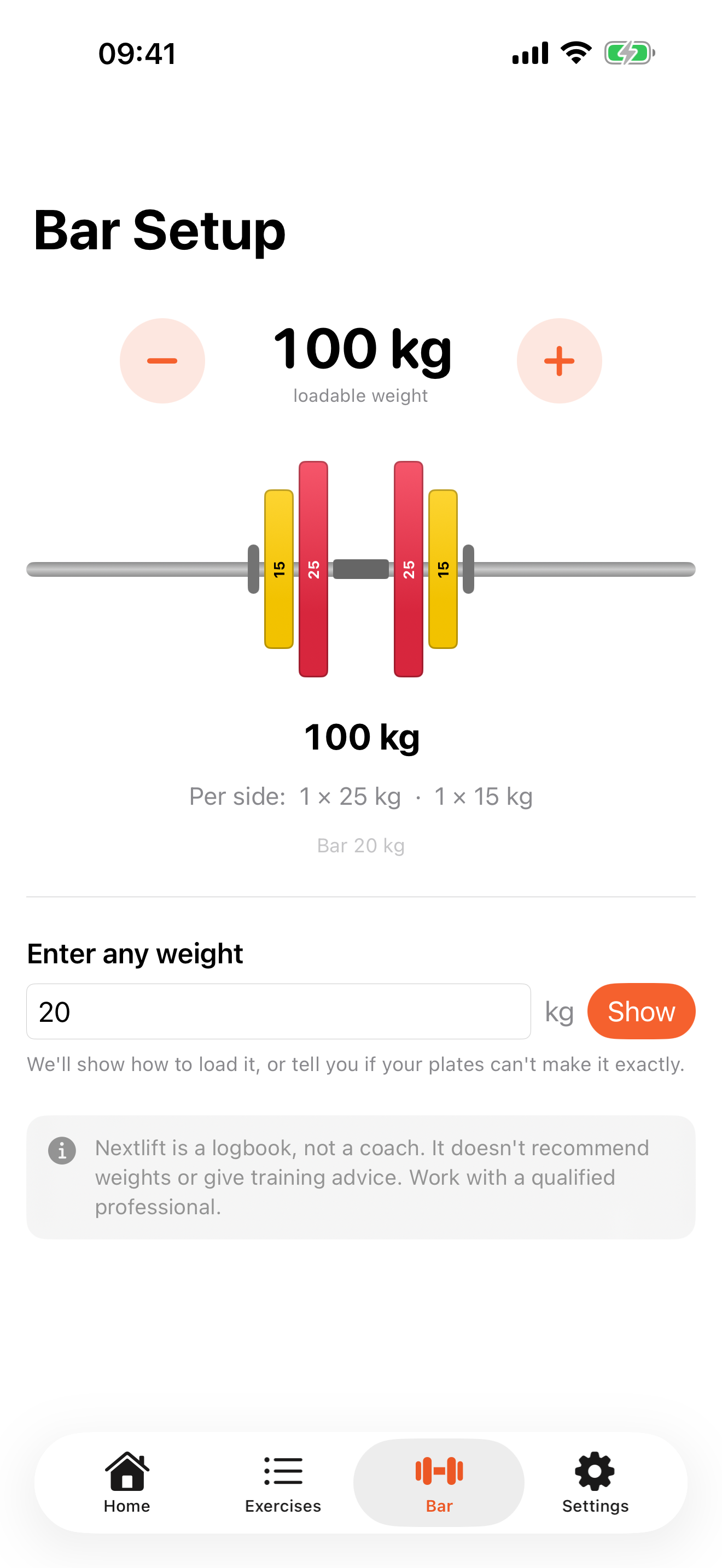
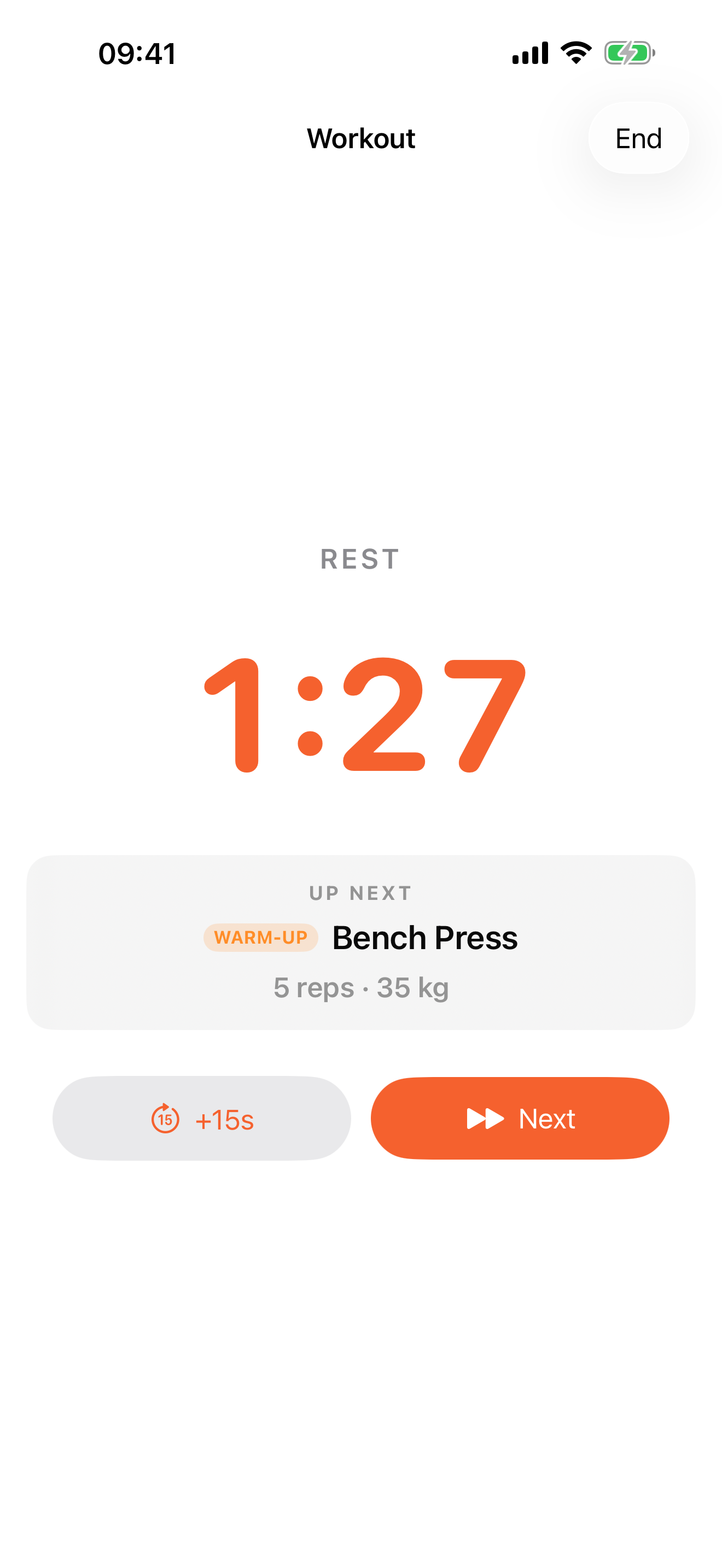
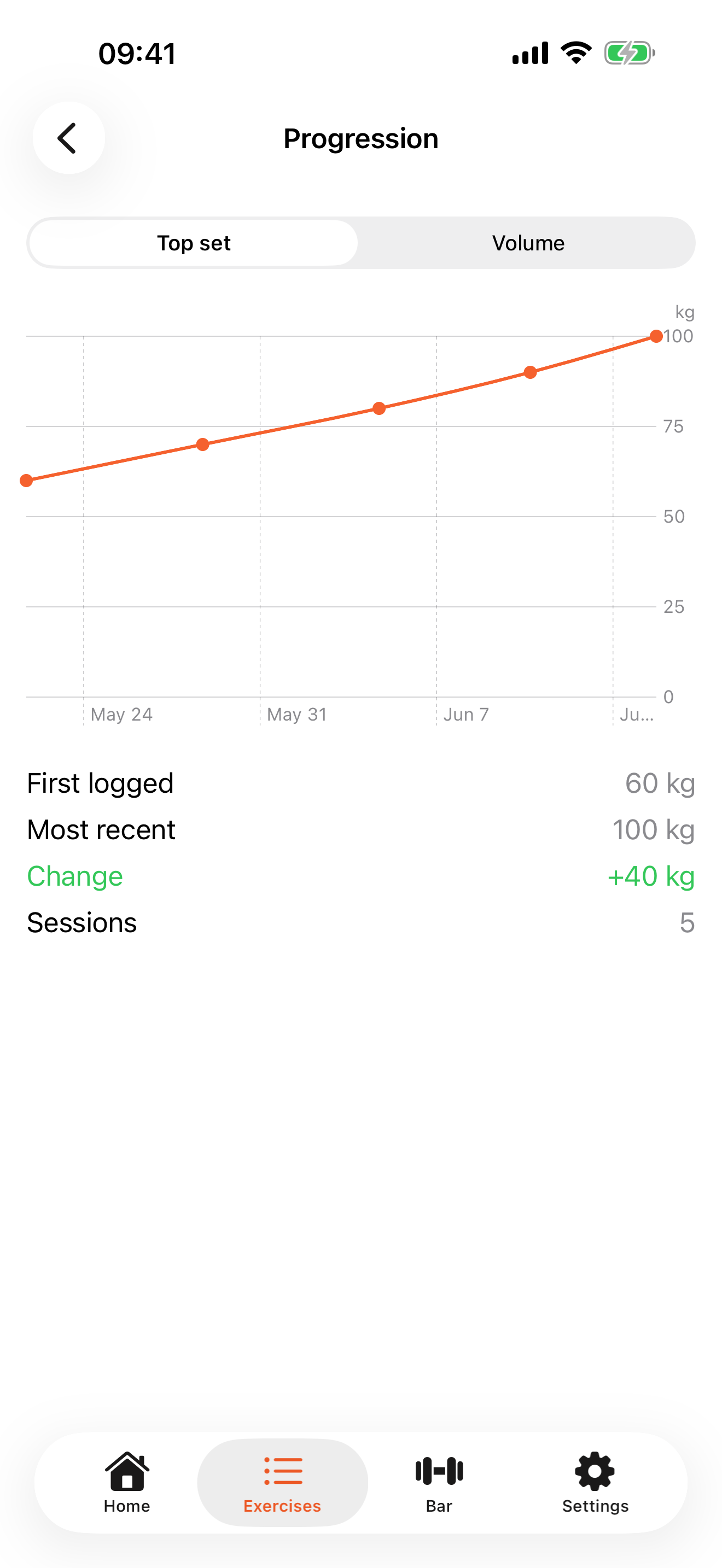
A look inside Next Lift.
No — Next Lift is built just for iPhone, and we don’t have plans to bring it to Android.
You can add any barbell, dumbbell, or machine lift you like. Next Lift isn’t opinionated about your programme — it works with whatever you’re already doing.
Next Lift doesn’t pick your weights — you do. You set the progression you prefer for each lift, and every session you choose whether to deload, maintain, or progress. Next Lift simply records the call you make and shows how to load the bar for it. It’s a training log, not a coach.
Both. Next Lift keeps tracking simple whether you’re new to the barbell or years in — it stays out of the way and just records what you choose to do. It isn’t a coaching app, though: if you’re starting out, work with a qualified personal trainer or coach to get your form, technique, and programme right. Next Lift handles the logging; a good PT keeps you safe.
Still have a question? Visit Next Lift Help & Support →
Next Lift is on the App Store now — download it and log your next session.